When Google
launched the Android Device Manager in early August,
I applauded the initiative because we finally got a much-needed
security solution that was built into every Android devices that ships
with Google's services. Rather, it was a good start, since the
functionality was so limited: location, remote wipe, and alarm.
For
the last two days, I've been digging around the new Google Play
Services APK 3.2.64 that started rolling out to Android devices
everywhere. If you remember, Google Play Services is the company's
secret weapon to combat lack of device updates, as Google can push new
functionality to everyone without the need for OS patches. Think of it
as a collection of services and libraries that other apps can use.
Last time, such an update allowed us to detect the advent of the
Android Device Manager four days early - the APK was detected around August 3rd while the Device Manager
was launched on August 7th. This time, I suspect the same thing will happen, and
we're on the verge of seeing a new much-needed feature:
remote password changing and device locking.
After finding the changes in the APK, I switched my attention to the
Android Device Manager's site
and was able to dig up the messaging for the new functionality.
Furthermore, I was able to roughly figure out the look for the new
prompt. I'll start with that:
This
makes the Device Manager instantly 100% more useful. Before, if your
device was stolen, all you could do was attempt to track it or wipe all
the data - there was no middle ground. Remote locking with a new
password is the missing command you can issue immediately, while
attempting to figure out exactly what happened. It would suck to wipe
your device and then find out that your significant other borrowed it,
wouldn't it? But at the same time, it's an added peace of mind to have
while scrambling to collect your thoughts.
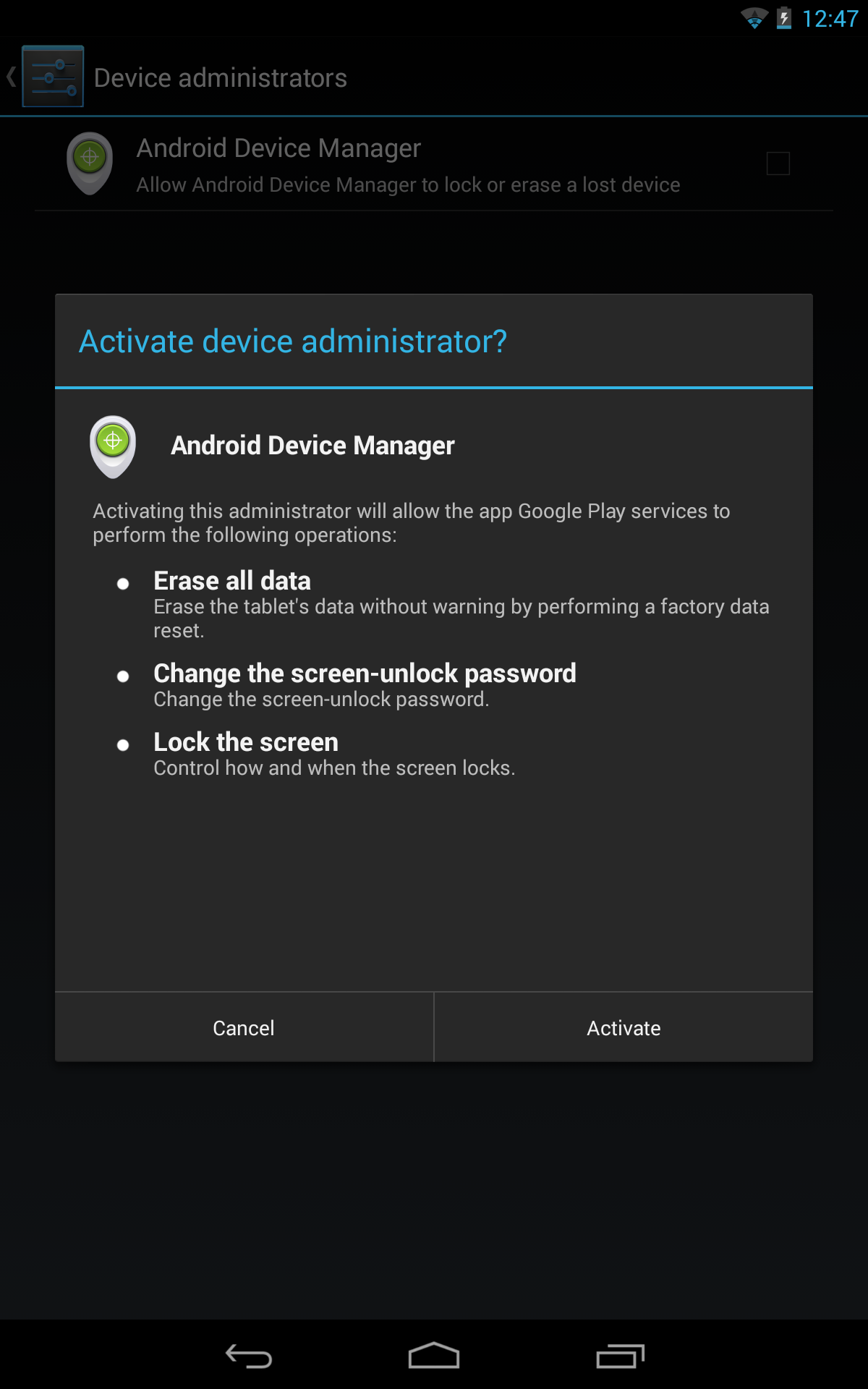
Oh, and you won't have
to do anything to the Device Administrator functionality since, as we
saw when Android Device Manager was launched, it already requested
access to remote device locking and password resets:
APK/Website teardown
Here are some instances of the new locking functionality in the APK and the website.
These strings gained the "lock" parts in Google Play Services 3.2.64:
<string name="mdm_reminder_notification_text">Set up remote lock and factory reset</string>
<string name="mdm_settings_wipe_title">Allow remote lock and factory reset</string>
Under
MdmDispatcherService, we now have new code that fires the
lockNow() and
resetPassword()
functions, as long as the new password satisfies the password policies
on the device (min number of characters, symbols, numbers, upper case
letters, etc). Otherwise, an error is returned and the minimum
requirements listed so you can adjust the new password accordingly.
if(!((DevicePolicyManager)dpm).resetPassword(str, 0)) {
// figure out what failed
} else {
((DevicePolicyManager)dpm).lockNow();
}
Some code from the website:
Yj="We could not lock your device. Please try again."
Zj="We successfully reset your password and locked your device."
ak="We successfully sent a lock request to your device."
df='<div
class="password-req"><div class="req-preamble">Your new
password was not strong enough. Your device has the following password
requirements:</div><ul class="password-req-list">'
ef='<div
class="pwd-dialog-container"><div class="pwd-dialog-text">Your
device will be locked with a new password. You should reset this
password after your device is found. Do not reuse your Google Account
password.</div><input class="dialog-input" id="pwd-dialog-in1"
name="pwd-dialog-in1" type="password" placeholder="Enter new
password"><input class="dialog-input" id="pwd-dialog-in2"
name="pwd-dialog-in2" type="password" placeholder="Confirm
password"><div id="pwd-error" style="display: none;"><div
id="pwd-error-text"></div></div></div>'
I
just love when all the pieces come together. I fully expect Google to
announce and launch remote password changing and device locking as early
as tomorrow or sometime later in the week.
APK Download
Google
Play Services updates roll out silently, so chances are you already
have this update. If you don't and want to download the new Google Play
Services APK 3.2.64 (the previous version was
3.2.25), you can do so below:
Google Play Services
500,000,000+ downloads
166101 ratings (3.3 avg)
 3.3
3.3


 13:12
13:12
 Unknown


 The
Play Store now only considers apps updated in the last three days (give
or take a little) to be recent. This means the list will be much
shorter, and frankly, fits the definition of "recent" better. Users with
a few apps might not have much of anything in the Recently Updated
list, though.
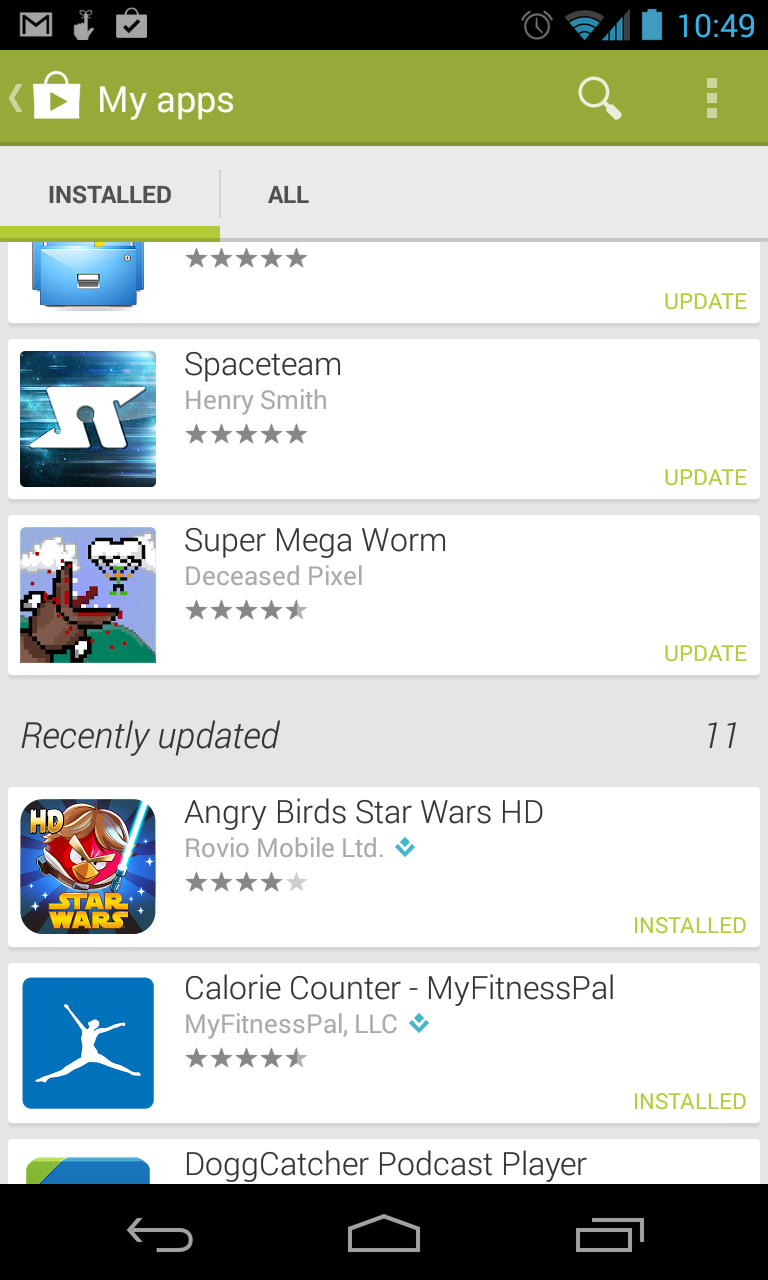
The
Play Store now only considers apps updated in the last three days (give
or take a little) to be recent. This means the list will be much
shorter, and frankly, fits the definition of "recent" better. Users with
a few apps might not have much of anything in the Recently Updated
list, though.